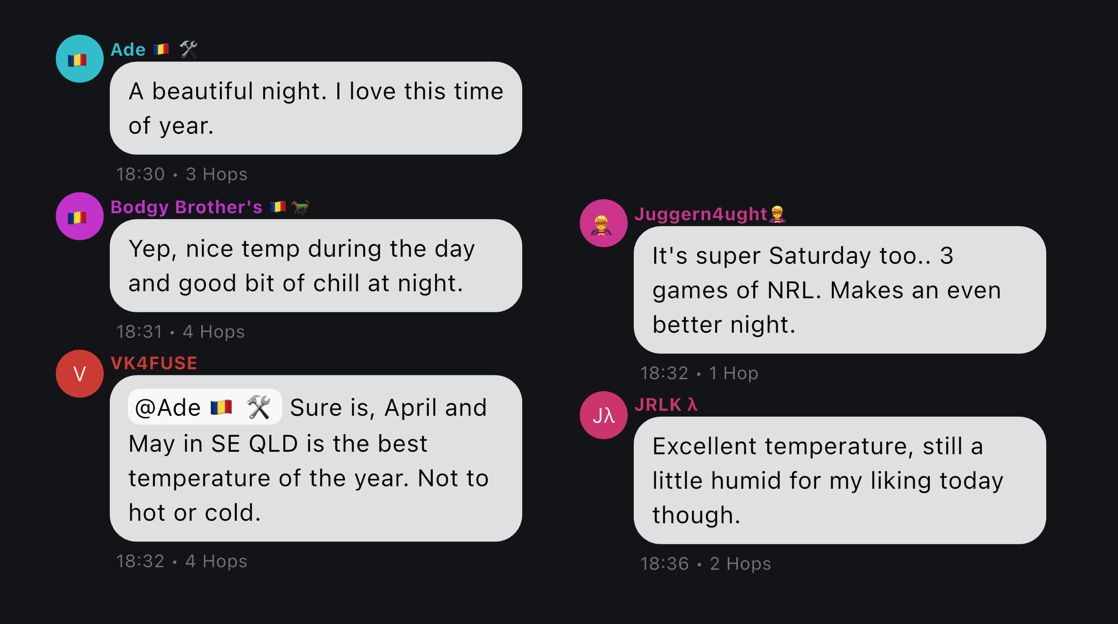
Channels appear in the apps, and are a good place to talk to other users on MeshCore.
¶ #Public
You should be automatically subscribed to the #Public channel.
¶ Other "hashtag" channels
All hashtag channels are public, and visible to everyone.
To add any other hashtag channel in the official MeshCore app, it's easy to do. As one example, go to the Channels screen, and choose menu > add channel > join a hashtag channel > #test
If your software asks for a public key, then it's this:
izOH6cXN6mrJ5e26oRXNcg==
¶ #test
The #test channel, is great if you'd like to do tests of new equipment.
This channel contains automated responses, which can help you check that you are getting out. Send the message !test and you should get one or two instant replies, acknowledging your message and telling you how they saw it.
This channel is perfect for keeping tests like this off the main public channel.
¶ #ping
Specifically for "ping"/"pong" tests - use this channel to see if your signal is getting out, and if others can hear you. Most humans will report to you how many hops it took to get to them. (Unlike Meshtastic, MeshCore has an upper limit of 63 hops, though we're unlikely to get that far!)
¶ #emergency
For emergency use.
¶ #market
Selling MeshCore related items? This might be for you.
¶ #jokes
The home on Meshtastic for mostly poor dad jokes
¶ #weather
For weather information and reports
¶ #quotes
Expect motivational quotes and other famous sayings
¶ #secret
We're unable to tell you what is in the #secret channel, because it's a secret.